What you actually get
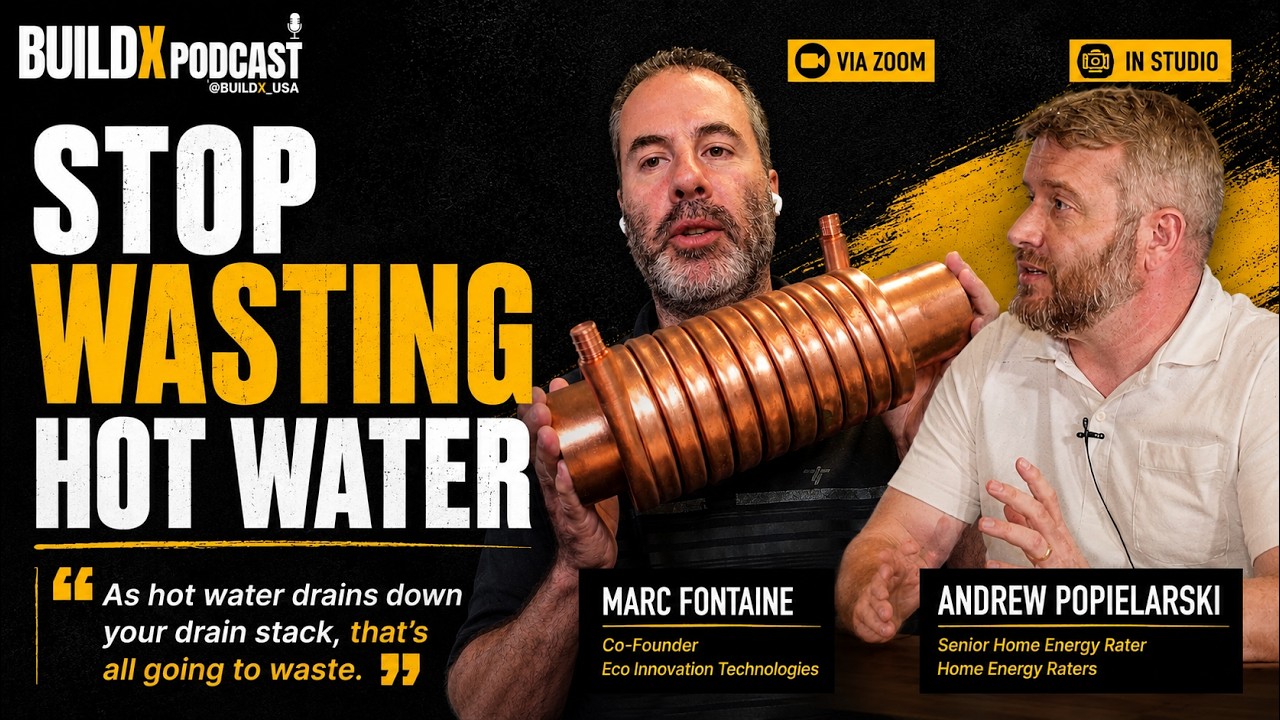
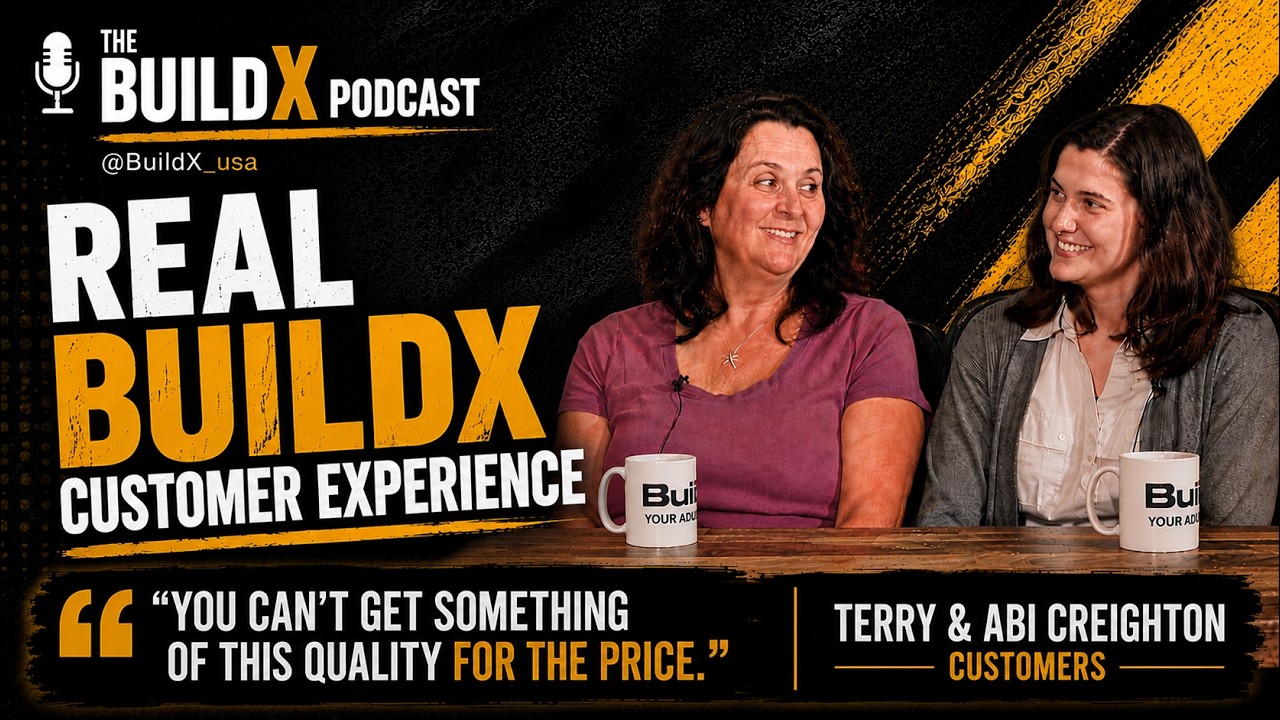
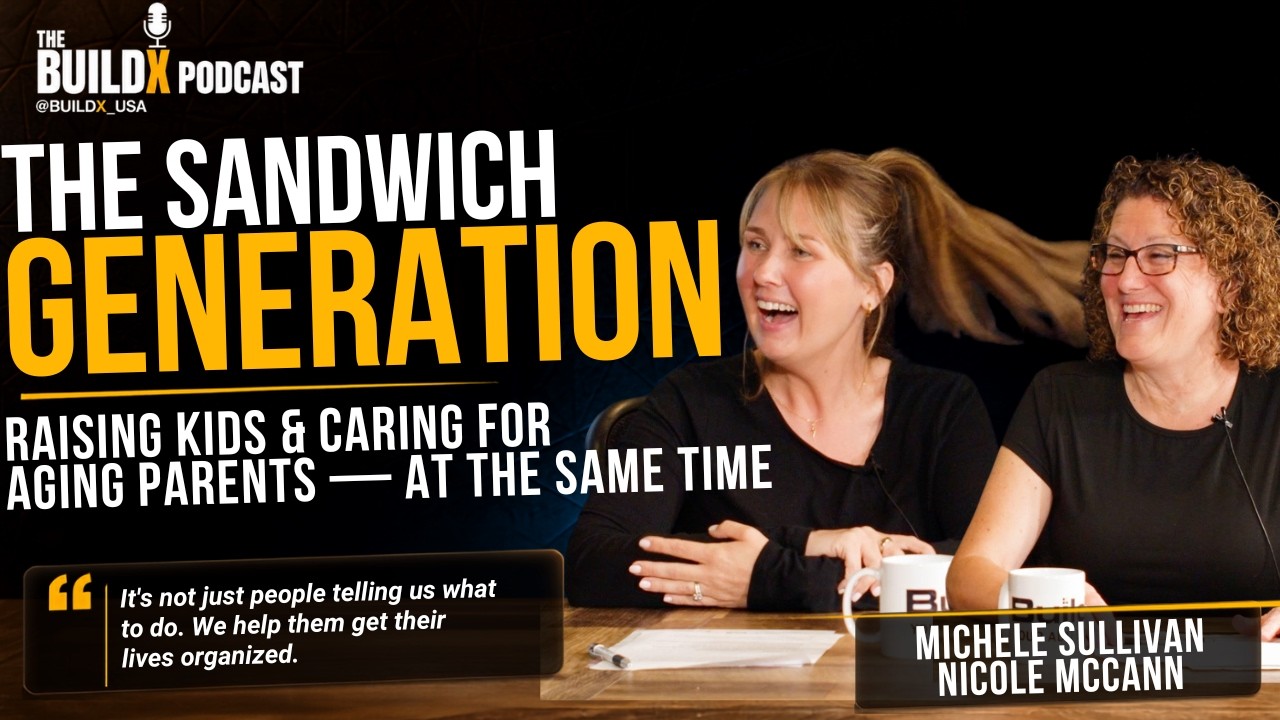
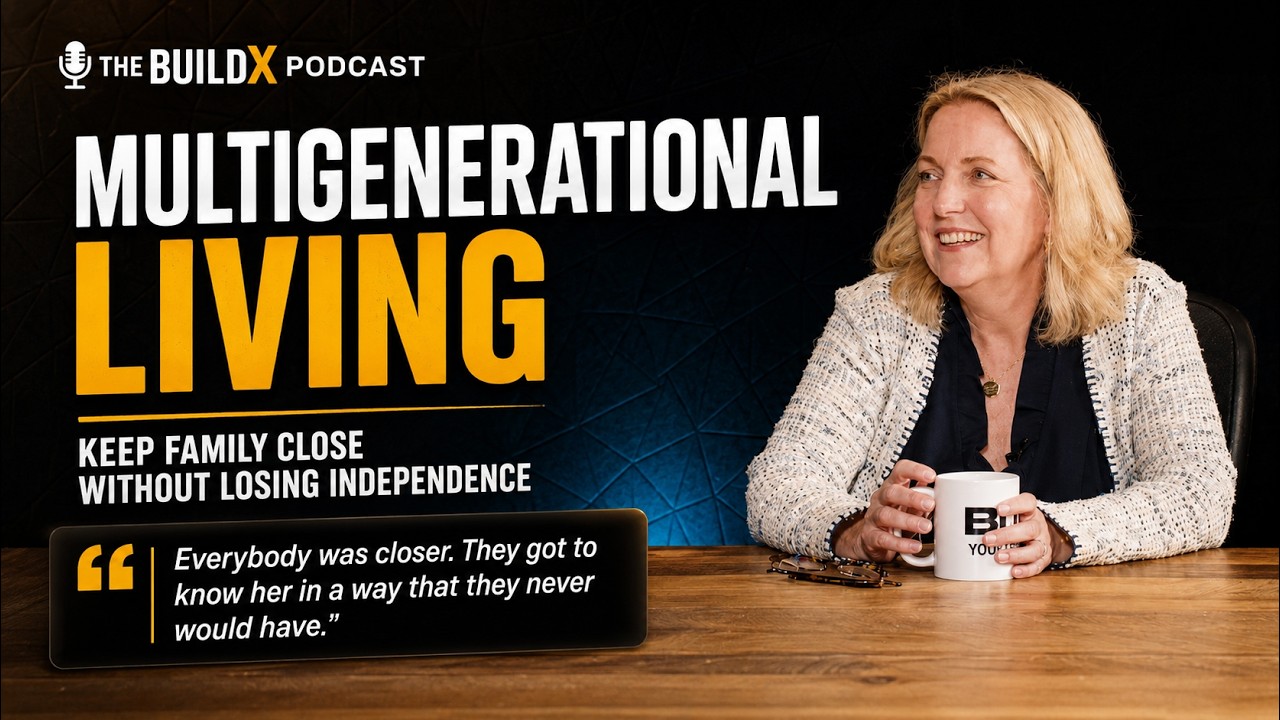
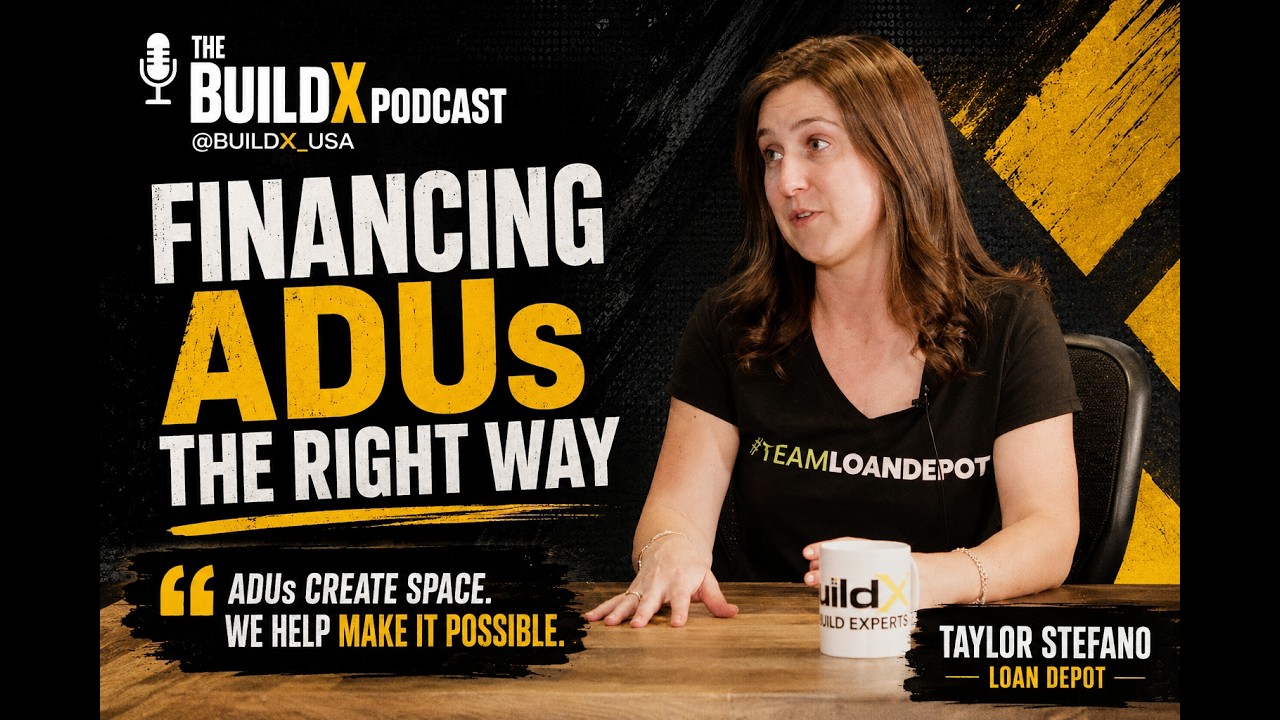
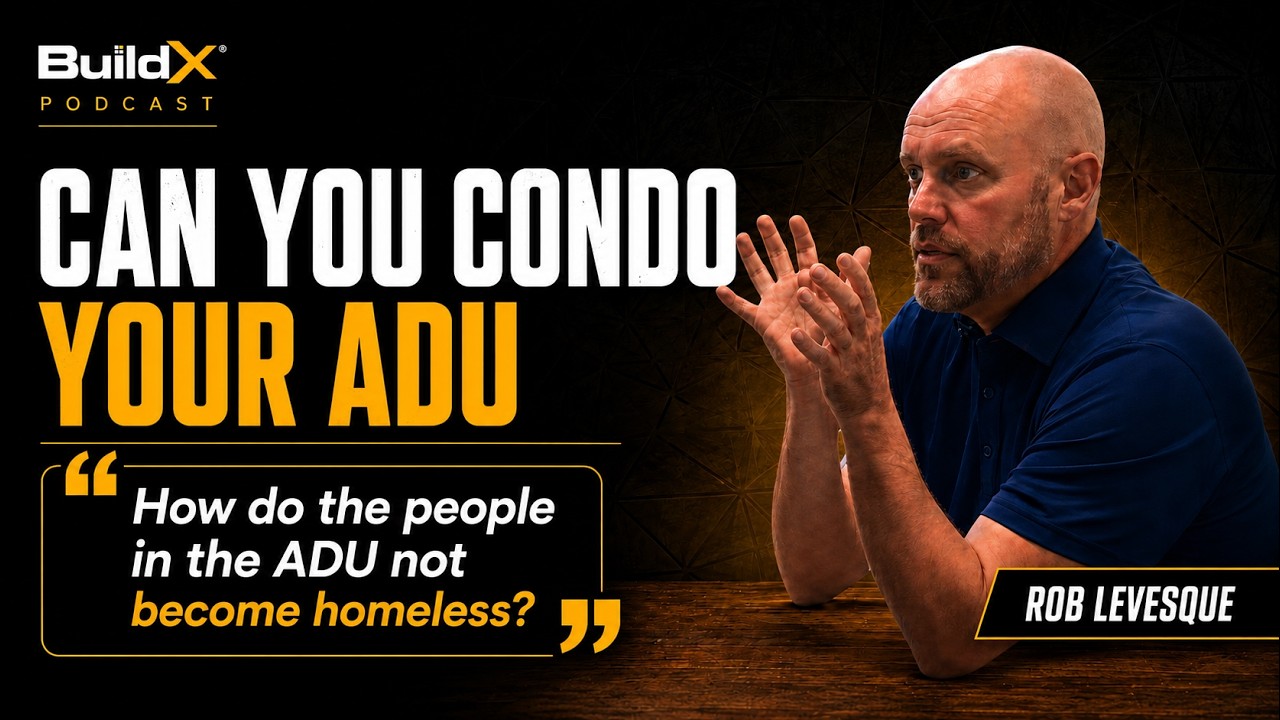
Every one of these was shot in the room this guide describes, on the exact gear listed below.
We designed and built the BuildX podcast room. Now we'll build yours — or you can take the plans and do it yourself, free. Press record, walk away, and get a fully edited multicam video without editing it.
One-time setup · guides are freeFrom $1,000
Every one of these was shot in the room this guide describes, on the exact gear listed below.
This is the real list from the BuildX podcast room — what we bought, what it cost, and why. Take it and buy it yourself. No email required.
| 3× Panasonic Lumix G7Xw/ 14–35mm lens | Just enough to get the job done with a high quality image — 4K recording and a pretty good lens for the price. There are a lot of options. We'd use something simpler than a DSLR for anyone not familiar with camera gear. Something you can set up and start recording. | $500 each |
| 3× Tripodsany brand | These are a dime a dozen. Get cheap ones — they're not going anywhere. | cheap |
| 2× Monitorsany | One for the switcher, one behind the stage so you can run a teleprompter, have a Zoom meeting up, whatever. | — |
| 2× Studio LED Lights + wall mountpair | Any lights really. Just make sure they're bright and you can control colour temperature. | $150 |
| DJI Micswireless lav | We use these for everything. Plug and play — you don't have to do anything special to get good audio out of them. Buz likes the look without mic stands in the shot, which is why we went wireless lav. | ~$250 |
| Sound dampening tiles12 pack | Lots of different material works. We just like the look of these. | $30 |
| Black Magic ATEM ISO Minithe one thing you can't skip | This is a must. These are usually around $3k — this one is affordable and does everything you need. Run all your cams into it and it records every input signal as a backup, and you can switch between cameras while recording, so you live-edit the show and save yourself the work on the back end. | $500 |
| OSEE GoStream ATEM Switchernot necessary | Not necessary. We use it to take the PROGRAM OUT from the first switcher into a laptop so we can (1) livestream to YouTube as a backup recording and (2) use the video signal as a webcam input, so you can host Zoom meetings through the studio cameras. Really cool feature. | optional |
Honestly we're going to switch to a little sound board with overhead shotgun mics. The lav mics are annoying because you have to recharge them every time. Shotguns on a truss stay out of frame and are always ready to go.
One setup, three jobs. This is why the switcher is the piece you don't skip.
All three cameras run into the switcher, which records every input separately AND the live-switched program. You cut the show while you're shooting it.
Program out goes to a laptop and straight up to YouTube — which doubles as a second backup recording of the whole episode.
The same signal works as a webcam input, so you can host meetings through the studio cameras instead of a laptop lens.
Anything outside the standard scope, priced up front.
| Add-on | Unit | Rate |
|---|---|---|
| Consultation only — gear list specced to your room | One-time | $250 |
| Value or Press & Go build — setup and configuration | One-time | From $1,000 |
| Studio Grade build — full room, treatment and control | One-time | From $2,000 |
| First-episode recording session — we run it with you | Per session | $750 |
| Return visit — reconfigure or add gear | Per visit | $450 |
| Travel beyond 50 miles of the South Shore | Per mile | $0.70 |
The build guides are free — take them and do it yourself, genuinely. The paid version is us speccing it to your actual room, ordering the right gear, and setting it up so it works the day we leave.
Tell us what you're making. We'll come back with a plan and a number — usually same day.